GPS LEADERS
Battery tracker
Quick start · 3-year and 5-year battery trackers
Battery Tracker Activation Guide
Press, wait, scan. Activated.
The battery trackers ship asleep to save their battery. Wake one up, let it activate, then scan its label to confirm. It takes about six minutes, most of it waiting.
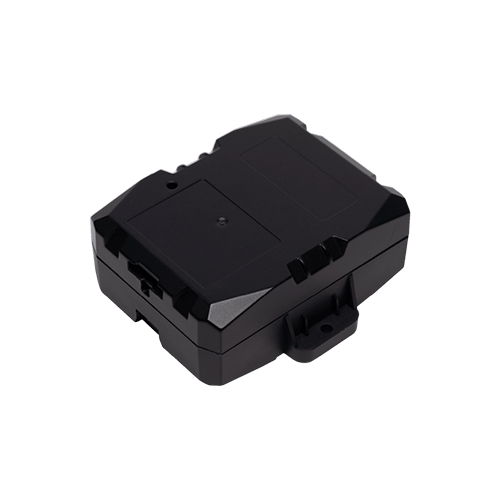
Power and activate
- Battery checkShort-press the power button. One blink means the battery is good.
- ActivatePress and hold the power button for 5–10 seconds. The button is small: a screwdriver tip or similar tool helps. Apply steady pressure; if you are unsure it took, repeat.
- WaitGive it 5 to 6 minutes to finish activating. The light blinks while it works.
Confirm activation
- Scan the labelScan the QR code on the tracker's label (or visit the web page printed on it).
- Check the pageIt shows the device status (ON) and the last communication time. A fresh time means it is activated.
- Confirm in the appThe tracker checks in to the dealer app as well.
While it activates
| Light pattern | What it is doing |
|---|---|
| Short dashes – – – – | Talking to the cellular network |
| Long dashes —— —— | Finding its GPS position |
The result
Shown for about 30 seconds once activation finishes.
| Pattern | Meaning |
|---|---|
| Solid light | Activated: cellular and GPS confirmed |
| 1 blink, pause, repeat | Cellular failure |
| 2 blinks, pause, repeat | GPS failure |
| 3 blinks, pause, repeat | Cellular and GPS failure |
On any failure: move outdoors with a clear view of the sky and activate again.
Or call a GPS Expert(855) 432-6423
Good to know. These steps are the same for the 3-year and the 5-year battery trackers. The current guide is always at gpsleaders.com.